
After you generate a Production Batch in 2D Barcode Hub, you get a streamed CSV with every unique GS1 Digital Link URL. Drop it into Domino QuickDesign, Markem-Imaje CoLOS, Videojet CLARiSUITE, Zebra ZebraDesigner — or any printer software with database / variable-data import — and start spraying unique codes onto every pack.
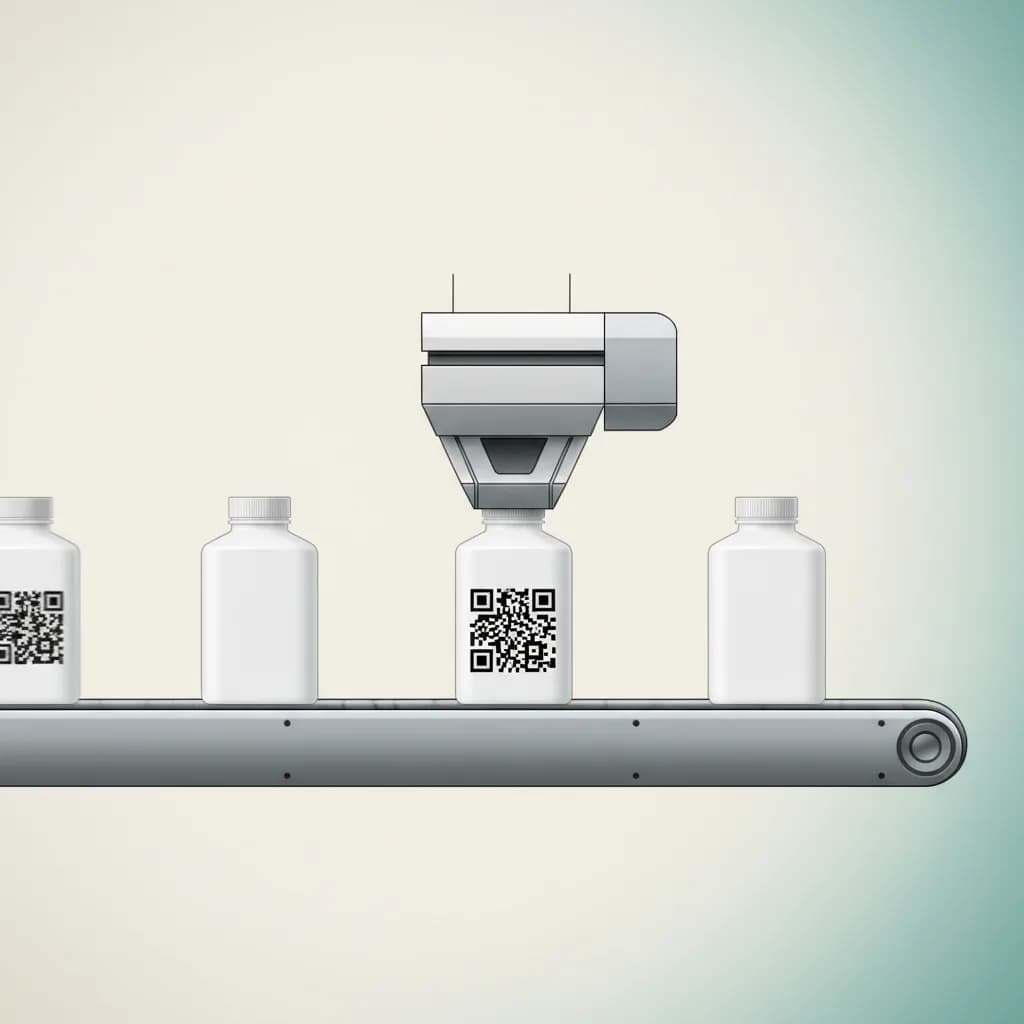
Same workflow regardless of printer vendor. The CSV format is generic.
Production Batches → New batch → pick product → set quantity, prefix, padding → Generate. The run page opens with a "Download CSV for printer" button.
Click Download CSV for printer. The file streams to your downloads folder. For a 50,000-unit run, expect about 4 MB.
Open Domino QuickDesign / Markem-Imaje CoLOS / Videojet CLARiSUITE / ZebraDesigner. Create a new label or open your existing template. Place a QR object.
Add a Database / CSV / TXT data source. Bind the QR object's data field to the digital_link column. Set symbology to GS1 Digital Link or plain QR Code, error-correction M, module size 0.30 mm minimum.
Print 5–10 sample labels. Scan with a phone — confirm "Verified unit · SERIAL" badge appears. Then run the full batch.
gtin (14-digit, mod-10 valid), batch (≤20 chars, empty if no batch link), serial (≤20 chars, unique per row), digital_link (the URL to encode into the QR). UTF-8.
Modern variable-data printers run on locked-down OT networks with strict outbound-firewall rules — the print engine can read a CSV from a network share or USB stick, but it can't reliably hit a remote API on every label. The CSV-first workflow keeps 2D Barcode Hub completely off the printing critical path: generate the file once, drop it on the line, the printer is independent. If the brand's GS1 Digital Link resolver goes down for an hour (it won't, but if), the printing line keeps running. Per-unit scan analytics still flow once customers reach the product.
Three tuning knobs decide whether your QR codes scan reliably at the till and on consumer phones. Module size: 0.30 mm minimum at 300 DPI is the safe lower bound on glossy substrates; on matte paper or carton you can sometimes go to 0.25 mm. Error correction level: M (15%) is the conservative pick — L (7%) saves 10–15% of pack real estate but is more sensitive to ink-spatter or substrate imperfection. Substrate: glossy plastic films need a UV-cure profile to avoid wet-look ink that confuses scanner lasers; matte cartons rarely have this issue. Always run a 5-pack test scan before committing a run.
The GS1 Sunrise 2027 programme says retail point-of-sale should be capable of reading 2D barcodes by end-of-2027 as 2D-capable POS rolls out across the channel. For your factory printer, that means: switch from EAN-13 / UPC-A 1D barcodes to QR Code or Data Matrix powered by GS1, encoded with the GS1 Digital Link URI Syntax. Your printer firmware already supports it — the change is in the data file you feed it, not the hardware. The CSV from 2D Barcode Hub gives you that data file, with the URL formatted exactly the way the GS1 spec requires.
Start free, generate your first 5,000 unique units on Brand. Your printer team will have the CSV in less time than this page took to read.