
2D Barcode Hub is built around the practical workflow brands need before printing connected packaging: create product records, generate GS1 Digital Link QR codes, publish smart product pages, manage product passport data, track scan analytics and keep proof organized.
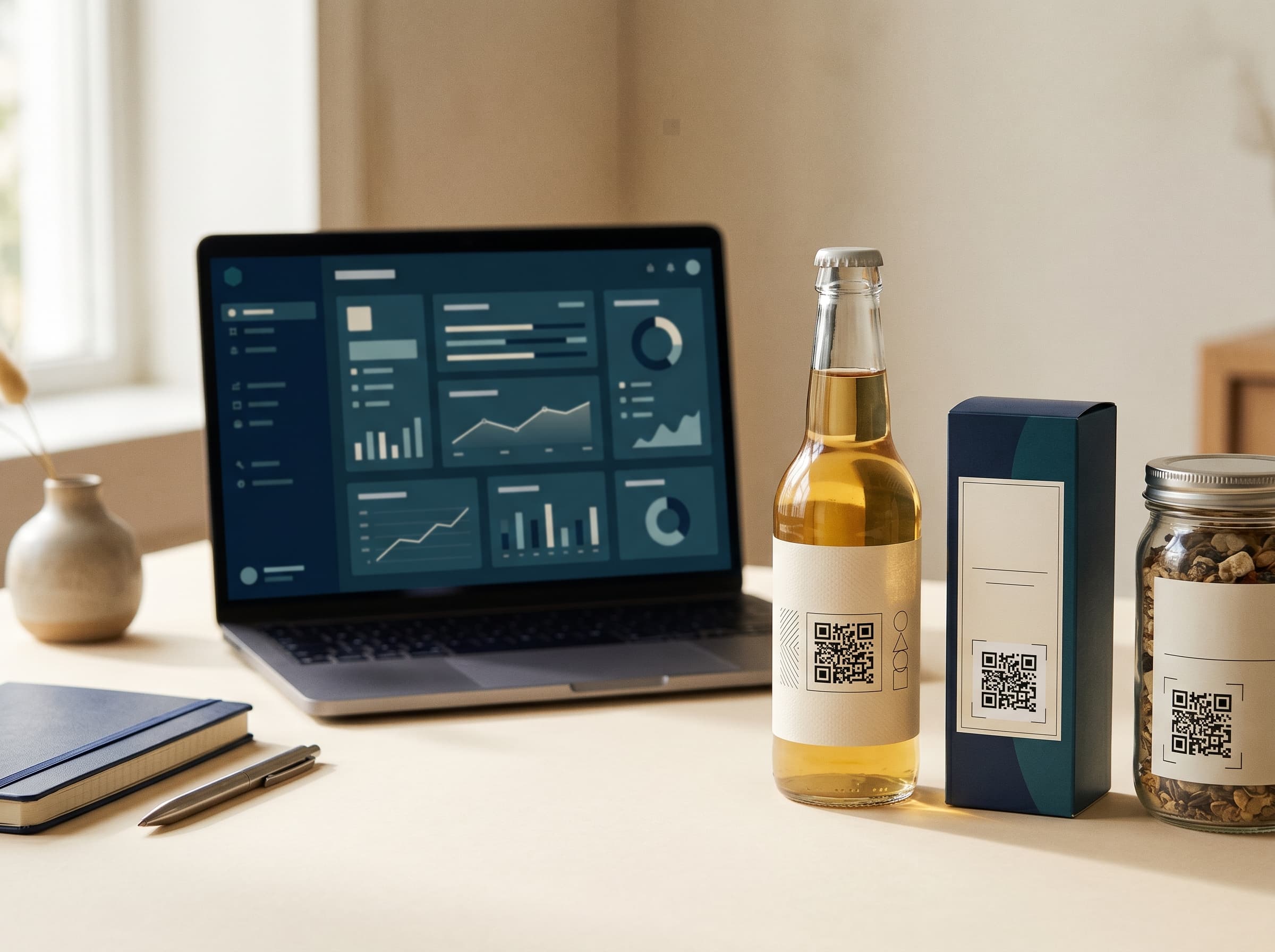
Use this page as the product menu. Each feature has its own page so Google, brands and your sales conversations stay clear.
Create real QR codes from GS1 Digital Link URLs, not fake placeholder blocks.
Explore featureTurn saved product records and GTINs into QR exports that stay connected to the SKU.
Explore featureBuild mobile scan pages around Product, Proof and Engagement content instead of sending shoppers to a generic campaign page.
Explore featurePublish structured product passport data for identity, ingredients or materials, sustainability, certificates and market guidance.
Explore featureMake /01/{gtin}/10/{batchCode} scans show the exact public lot record, including expiry, origin, safety and proof links.
Explore featureAttach product-specific offers, feedback, stockist links or loyalty prompts without hiding the passport behind a form.
Explore featureMeasure scans by product, date, country, city, device and referrer where available.
Explore featureTrack readiness posture for DPP, FSMA, EUDR, GS1 Verified and internal proof needs.
Explore featureApply logo, color and workspace settings so public pages feel brand-controlled.
Explore featureA connected packaging platform can become confusing fast if every feature is described as a campaign, a QR code, a passport, a resolver and an analytics tool at the same time. Brands do not buy confusion. They need a practical path from GTIN to GS1 Digital Link URL, from URL to print-ready QR code, and from scan to a useful mobile product experience.
That is why the product is organized around the actual brand workflow. Product records come first. The GTIN and SKU define what the item is. The GS1 Digital Link URL turns that identity into a web address. The QR code carries the URL on packaging. The public scan page separates product information, proof and engagement so shoppers can find the right content quickly. Batch and origin records add lot-level context. Scan Actions add optional next steps. Analytics show what is happening in the real world.
Many resolver products assume an enterprise technical team. 2D Barcode Hub is intentionally more practical. A founder, brand manager, packaging lead, QA person or small CPG team should be able to create a product, add the necessary data, export a QR code and open the scan page without needing a custom integration project. The interface still follows GS1 Digital Link patterns, but the day-to-day workflow is built for people who need packaging to ship.
The product pages in this section are also designed to avoid SEO overlap. The QR feature page is about code management. The smart product pages page is about consumer scan UX. The Digital Product Passport feature is about the public passport module inside the app. The compliance DPP page is about readiness and governance. The standards pages explain the rules. Keeping those pages distinct makes the site more useful and makes the product easier to explain.
Once a product page is live, the brand can keep improving it without changing the printed code. Product information can become richer. Recycling guidance can be adjusted by market. Certificates can be added. A batch code printed on pack can resolve to its exact public lot record. A Scan Action can run for a retailer launch, then end while the product passport stays live. The code on pack remains the same; the brand's digital layer becomes more useful over time.
Start with five active product pages for free. Add GTINs, product content and real QR exports when you are ready.