
A 2D barcode should not drop shoppers onto a generic campaign page. Give every SKU a fast, mobile-first scan page with product information, trust proof and optional engagement moments built around the exact item in the shopper's hand.
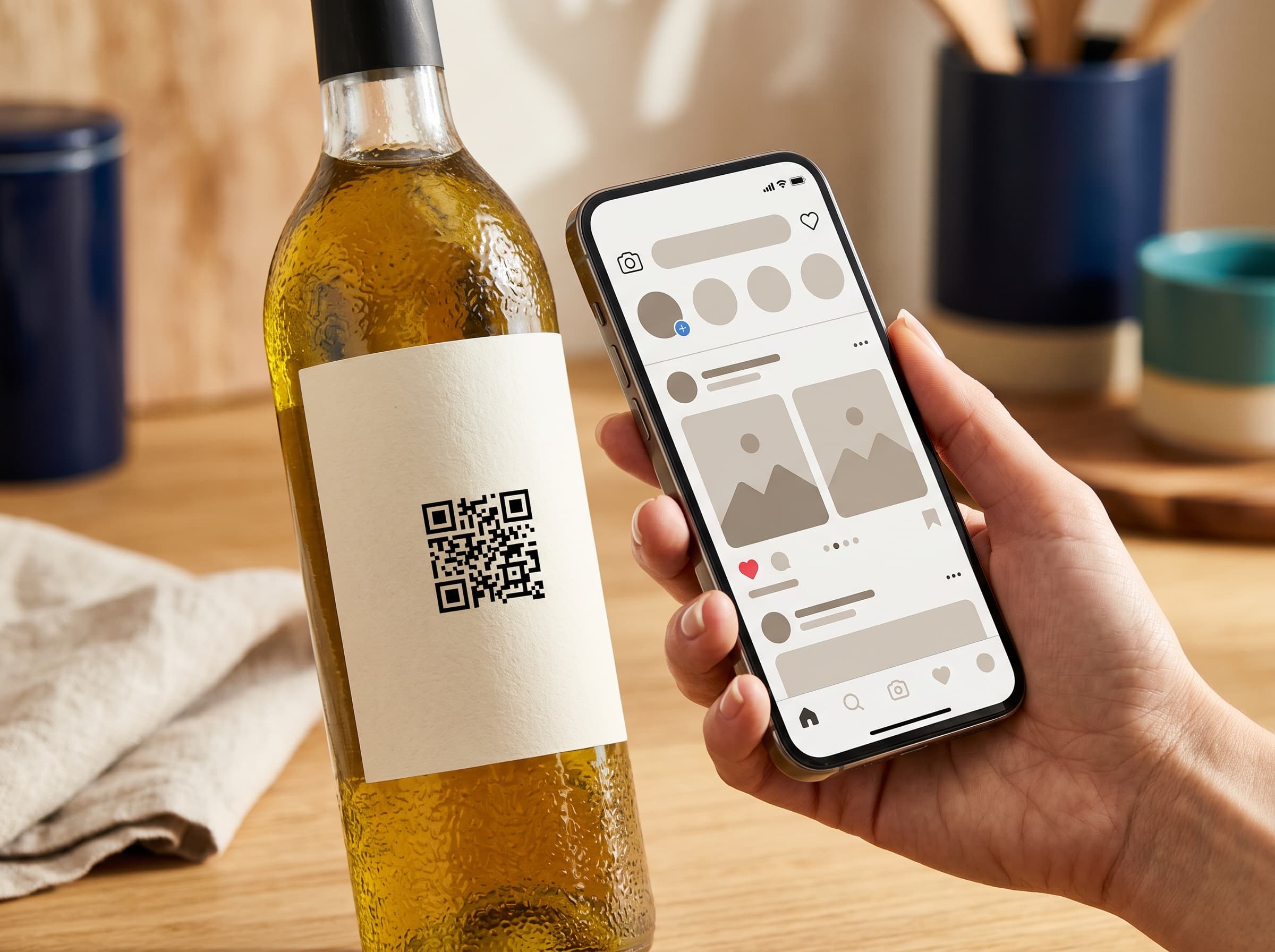
The best scan destination is not a brochure. It is a structured product surface that helps shoppers, retailers and internal teams trust the pack.
Show the product name, brand, pack size, GTIN and image clearly so the scan feels connected to the item in the shopper's hand.
Ingredients, allergens, nutrition, materials, specifications, care notes, certifications and claim context should be easy to read without hunting through a brand website.
Recycling rules, certificates, retailer links and safety notices can be updated after packaging is printed.
Track useful scan signals such as product, date, country, city and device without turning the page into a third-party tracking mess.
Brands often begin connected packaging with the wrong destination. A QR code points to a campaign landing page, a PDF specification sheet, a home page or a temporary microsite. Those destinations can work for short campaigns, but they are weak for retail packaging. The pack lives in stores, homes, warehouses and recycling bins long after a launch campaign ends. The scan page needs to remain useful for the lifetime of the product, not just the life of a promotion.
A smart product page is the permanent SKU-level surface behind the GS1 Digital Link QR code. It is designed for a phone screen, loaded from a stable URL, controlled by the brand workspace and structured around product truth. It can still be beautiful and branded, but its first job is clarity: what is this product, can I trust it, what is inside it, how do I recycle it, where did it come from, and what should I do next?
A person who scans a pack has context. They might be in an aisle comparing products, at home checking allergens, in a cafe deciding whether to reorder, or in a warehouse verifying a batch. They do not want to browse your whole website. They want the specific product page. That is why 2D Barcode Hub treats the public scan page as a product system, not a marketing template.
The page should put product identity near the top, not bury it under a hero slogan. It should make structured information readable. It should avoid pop-ups before the useful content appears. It should support optional engagement only after the product information has earned attention. This is the difference between connected packaging that feels helpful and connected packaging that feels like a trick.
2D Barcode Hub organizes the scan page around three buyer-friendly jobs: Product, Proof and Engagement. Product content answers what the item is, what is inside it and how to use or recycle it. Proof content carries certificates, batch origin, claims and safety context. Engagement content is optional: where to buy, feedback, loyalty, social links, support contact or a product-specific Scan Action. This keeps the page flexible without turning it into a messy landing-page builder.
Hero image, product name, pack size, brand and GS1-ready status so the scanner immediately knows they reached the right page.
Ingredients, allergens, nutrition, specifications, certifications, recycling, traceability, social links, retailers and recommendations as reusable scan-page blocks.
Send scanners to product information, sustainability, recycling, certificates, batch lookup, where to buy, or a recall notice from the same product record.
Keep regional disposal, retailer and compliance content editable without changing the printed QR code.
Add optional feedback, giveaway, loyalty, impact, social, support or where-to-buy moments without hiding the product page behind a form.
Use product status, GTIN checks, QR exports and page completeness to see whether the scan experience is ready before artwork goes to print.
The printed QR code should encode a stable GS1 Digital Link URL. That URL should not change every time the marketing team updates copy. The content behind it can. A brand can improve product images, refine the story, add a new certification, update recycling instructions, change where-to-buy links, publish a safety notice, close a promotion, add a batch lookup, or remove a video that is no longer relevant.
Batch-aware pages make this even more valuable. The base product scan can open /01/{gtin}, while a pack printed with a lot qualifier can open /01/{gtin}/10/{batchCode}. If that public batch record exists, the page can show exact expiry, best-before, origin, release notes, safety notice and proof links for that lot. The shopper gets the right information without the brand printing a separate QR code for every operational update.
This is where a smart product page creates real operational value. Packaging artwork is slow and expensive. Digital content should be managed faster, but still safely. The platform keeps the GTIN and URL stable while letting teams update the structured page fields that consumers actually see. That reduces reprint anxiety and gives brands a practical reason to move from static UPC or EAN workflows to 2D barcode-ready packaging.
A Digital Product Passport is one important use case for a smart product page, especially where regulators or retailers expect structured product data. But the page can serve more than compliance. Food brands may prioritise allergens, nutrition and batch origin. Beauty brands may prioritise ingredients, certifications and usage guidance. Packaging printers may need artwork proof and QR export confidence. Grocery brands may need retailer-ready product information and scan analytics.
This page therefore focuses on the product experience behind the scan. For the compliance angle, read the Digital Product Passport compliance page. For the product feature itself, the app's passport module shows how the fields are edited and published. The goal is a clean content map, not three pages saying the same thing.
Start with five active product pages for free. Add product information, publish the scan page and generate a real GS1 Digital Link QR code.