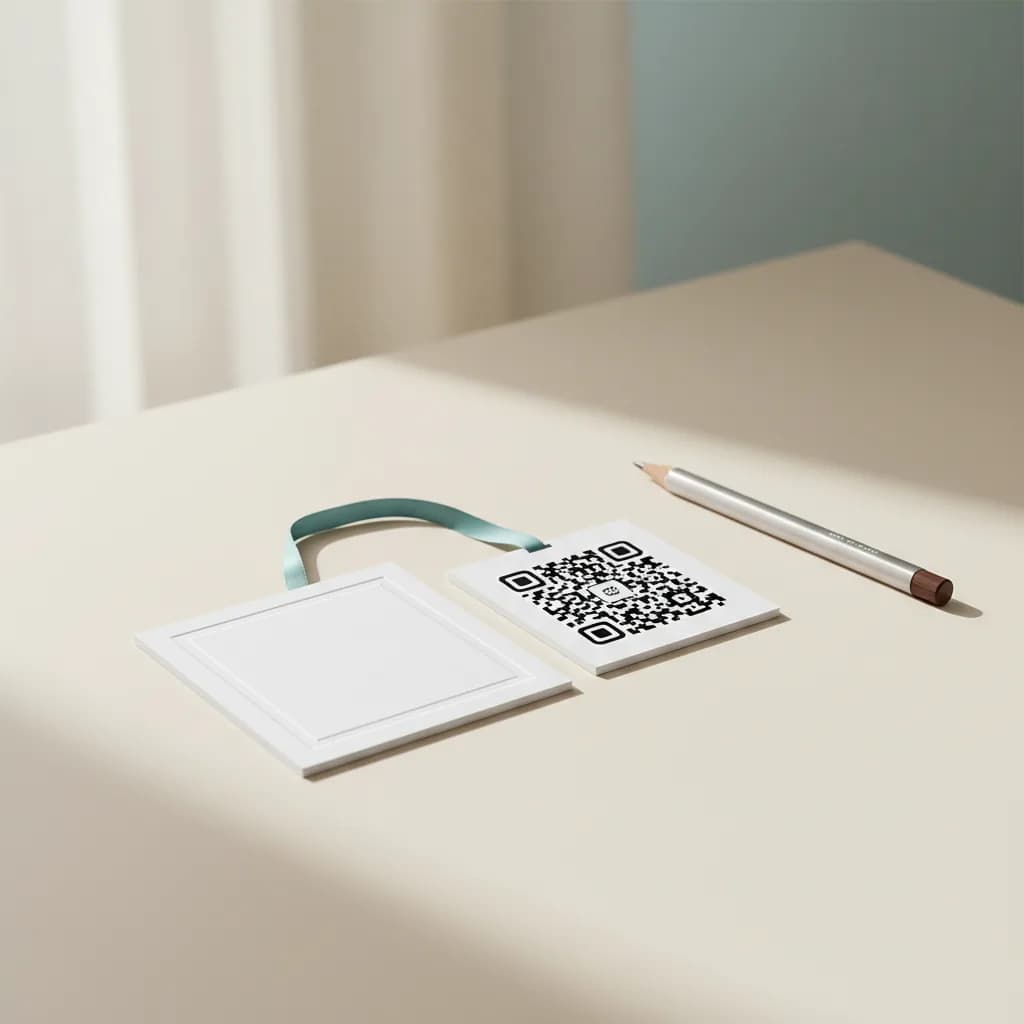
Pick a frame style for your GS1 Digital Link QR. Plain, retail, label or ticket. Download as SVG, drop into packaging artwork, ship.
Real GS1 Digital Link URI syntax
Four frame styles, one click switch
Vector SVG output for prepress
Runs in your browser
Frame style
Quick answers
What's the difference between frame styles?
Plain is the QR alone, no decoration. Retail adds a thin border and a tiny scan-cue arrow. Label adds a flat bottom strip with placement guides. Ticket adds notched corners and centerd placement for ticket prints.
Will the frame change scannability?
No. Frames are visual decoration outside the QR's quiet zone. Scanners see the same code in every frame variant.
Can I download as PNG instead of SVG?
SVG is what packaging printers want for vector artwork. The Generator tool outputs PNG if you need a raster format for digital.