
Move your packaging from 1D EAN-13 to GS1 Digital Link 2D barcodes the practical way. The same GTIN you already carry, wrapped inside a standards-compliant URL, exported in PNG, SVG and PDF formats your prepress workflow already accepts. No new equipment, no scanner replacements, no scrap of existing artwork.
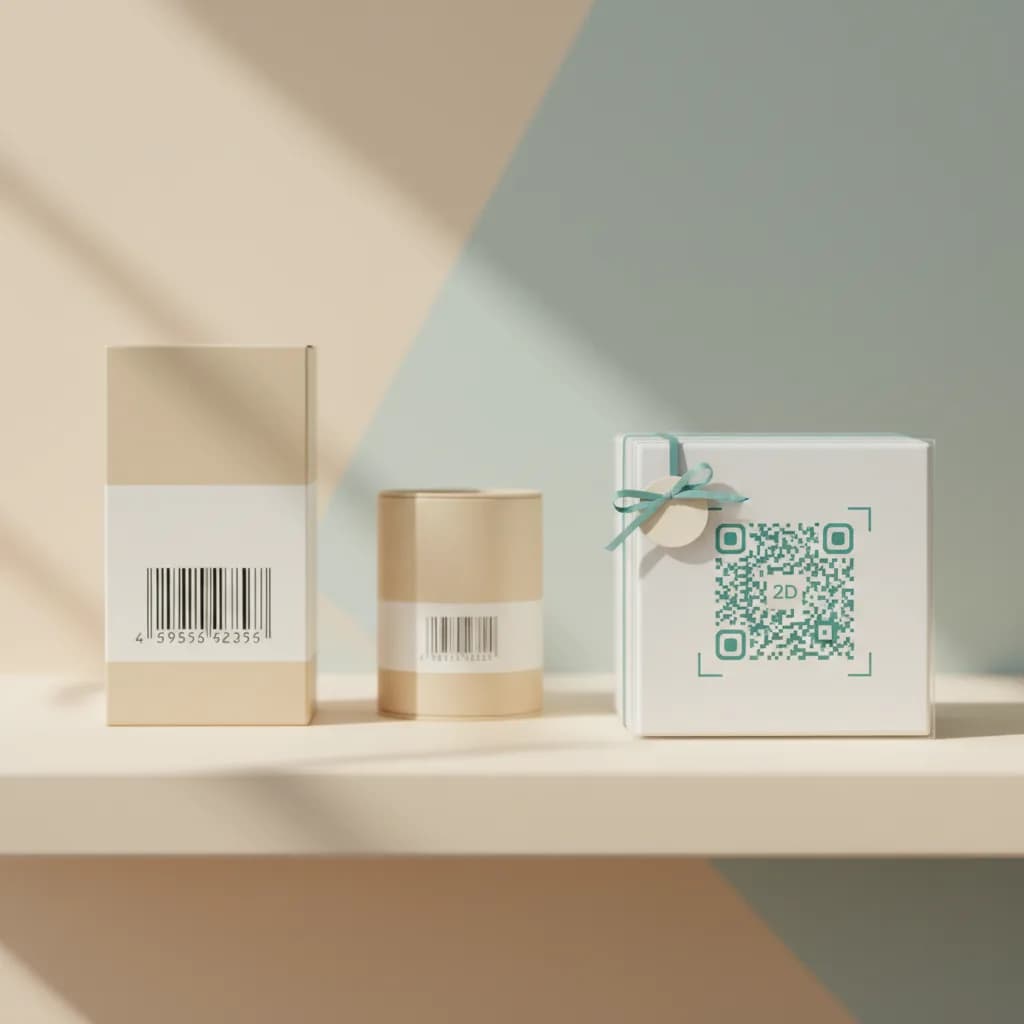
2D barcode migration is the operational work of moving your packaging from a 1D linear barcode (EAN-13, UPC-A) to a 2D barcode (most commonly a QR code carrying a real GS1 Digital Link URL ) without breaking any of the systems that already depend on the existing barcode. Retailer point-of-sale, your distribution center's scanners, internal pick-and-pack workflows, e-commerce inventory feeds.
The good news is that your existing GTIN doesn't change. The number at the bottom of your old EAN-13 is the same number that goes inside the new 2D barcode's GS1 Digital Link URL. The retail till still extracts a GTIN. The shopper's phone now opens a URL. Same identity, richer carrier.
The push is Sunrise 2027 , the industry-wide alignment that retail point-of-sale should be able to read 2D barcodes carrying GS1 Digital Link URLs around the end of 2027. It's not a regulation. It's a coordination point that GS1 working groups have set with retailers, brand owners and packaging printers globally. The practical pressure is real because most large grocery, drug and CPG channels have publicly committed.
On top of Sunrise 2027 sits a regulatory layer: the EU's ESPR framework introduces mandatory Digital Product Passports for in-scope categories. The most natural way to address a Digital Product Passport from a pack is a GS1 Digital Link 2D barcode. The retail driver and the regulatory driver point at the same migration.
The conventional approach is dual-marking. The existing 1D EAN-13 stays where it is on the artwork. A new 2D Digital Link QR is added in another corner. Most retailers are happy with both during the transition. Both codes carry the same GTIN, so retail point-of-sale gets the same identity whether it reads 1D or 2D first.
Dual-marking is the lowest-risk path. Your packaging team gets to test the new format on real product without abandoning a barcode that's been working for years. Your distribution chain doesn't notice a thing. Your shoppers gain a real consumer surface they didn't have before. When your largest retail partner confirms full 2D readiness, you can drop the 1D code on the next packaging refresh.
Real SVG and PDF outputs that survive scaling, separations, overprint and trapping. Drop straight into existing prepress workflows. No raster nonsense.
Plain (QR alone), retail (border + scan-cue arrow), label (flat bottom strip with placement guides), ticket (notched corners, centerd). Pick what fits the artwork window.
Documented minimum quiet zone, recommended contrast ratio, and minimum module size for retail-grade scanning. Documentation shareable with the brand owner and printer.
Default error correction level M (~15%) for standard label printing. Q (~25%) for flexible film that may distort, or near edges where damage is likely.
GS1 recommends 10mm minimum for retail point-of-sale. Print-ready PNG up to 1200px for digital surfaces and signage. Vector for everything else.
Plain QR is dark navy on white by default. Custom dark-on-light pairings supported as long as contrast is sufficient. Branded backgrounds and centerd logos are not in this platform.
Most modern retail 2D-capable scanners can read GS1 Digital Link URLs out of the box. Older fleets that read only 1D will still read the existing EAN-13 alongside the new 2D code, which is why dual-marking is so safe. Confirm with your largest retail partners before locking your timing on dropping the 1D code entirely.
Consumer phones are universal. iOS and Android camera apps both read QR codes natively. The shopper points the camera at the pack, the phone opens the GS1 Digital Link URL in a browser, the platform's resolver routes it to your branded passport. No app install, no friction.
The first mistake is treating the migration as a single big-bang. Most brands run a phased rollout. Pick three to ten hero SKUs that are due for a packaging refresh. Migrate those first. Validate the workflow with your printer and retailer. Then expand at the pace of your packaging refresh cycle.
The second mistake is generating a non-standards-compliant QR. A generic QR pointing at a marketing landing page won't read at retail point-of-sale. A QR Code powered by GS1 with a validated GS1 Digital Link URL will. The difference is invisible visually but critical at the till. Use a real GS1 Digital Link generator .
The third mistake is skipping verification. Print a test sheet, scan with both retail-grade and consumer-grade devices, check that the URL resolves correctly. The platform's frame variants and print-spec documentation make this straightforward, but the test step shouldn't be skipped.
Five active product pages on the free plan, no credit card. Real Digital Link from the very first scan.