
Generate QR artwork from the live GS1 Digital Link URL, then export the files your packaging team can actually use: PNG for review, SVG for vector workflows and PDF for prepress handoff.
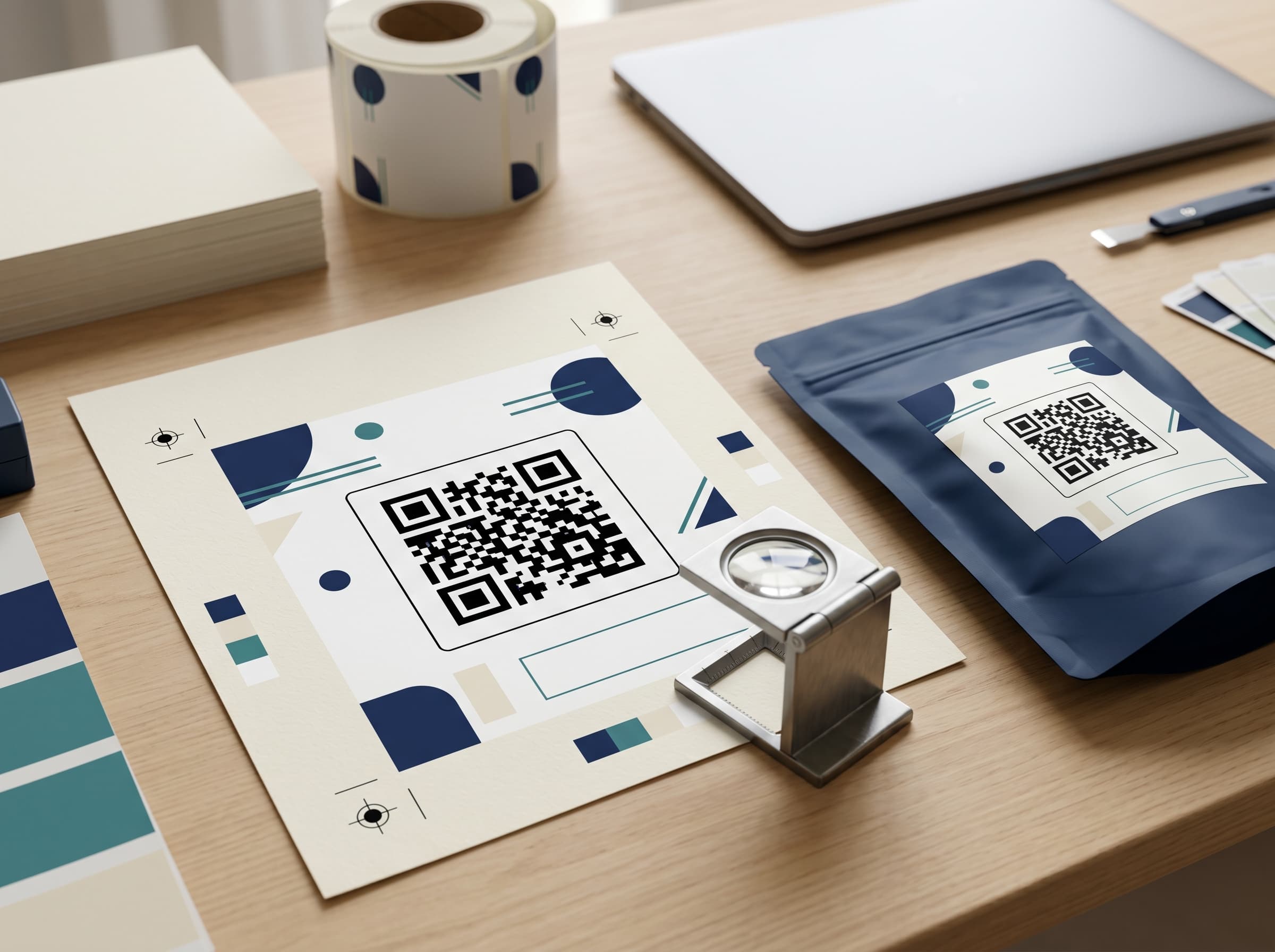
The code needs to scan, but it also needs to behave inside real packaging workflows.
The QR code encodes the actual product's GS1 Digital Link URL, not a sample block or temporary preview.
Artwork review should preserve the clear space around the code so scanners can read it on pack.
Download PNG, SVG and PDF so brand, print and agency teams do not need to rebuild the code manually.
Check that the GTIN, URL, product page and export are ready before the artwork moves toward production.
A QR code can be technically valid and still be risky for packaging. It may point to the wrong URL, have no quiet zone, be placed too close to a fold, use low contrast, be recreated manually by a designer, or resolve to a product page that is still in draft. Once the pack is printed, those mistakes become expensive. A print-ready workflow therefore has to connect the QR code, the product record and the scan destination before a file is exported.
2D Barcode Hub generates QR artwork from the same product record used for the public scan page. The GTIN is saved, the GS1 Digital Link URL is built, the QR code encodes that URL, and the brand can open the scan page before downloading artwork. This keeps the artwork conversation tied to the real product rather than a floating QR image passed around in emails.
PNG is practical for quick checks. It is easy to paste into comments, send to a stakeholder or test on a screen. SVG is better for production artwork because it is vector-based and scales without soft edges. PDF is useful when agencies, printers or prepress teams expect a fixed handoff file. A serious QR workflow should support all three because different people in the packaging process need different files.
The app does not ask a brand team to rebuild the QR code in another tool. That is where mistakes creep in. Instead, the QR settings live beside the product. Teams can copy the link, export files, choose whether to show the GTIN, select the frame style and review status. If the product page is not ready, the team can see that before the code ends up on the label.
Before approving artwork, teams should test the printed-size code on a real phone, confirm the URL opens the right product page, check contrast, preserve the quiet zone, confirm the GTIN shown on or near the code matches the product record, and make sure the page will remain live after the packaging run. If the pack will be sold in multiple markets, the team should also confirm recycling, language and safety content are correct for those markets.
Print readiness is not only a design issue. It is also a data issue. A beautiful QR code that points to an empty page is not ready. A live scan page with a wrong GTIN is not ready. A code created from a temporary testing URL is not ready. The app's product-first workflow keeps those checks close to the QR export rather than scattered across separate files.
The goal is to keep the printed code stable while keeping the content behind it editable. The QR should continue to work after a promotion ends, after a certificate is updated, after a batch is added, or after recycling guidance changes. That is why the QR code should encode the product's canonical GS1 Digital Link URL rather than a short-lived campaign URL.
Create the product, verify the scan page and download real GS1 Digital Link QR artwork from the same workspace.