
A GTIN is not just the number under an old EAN or UPC barcode. For 2D barcode migration it becomes the anchor for the GS1 Digital Link URL, the public product page, QR exports, scan analytics, batch lookup and retailer proof.
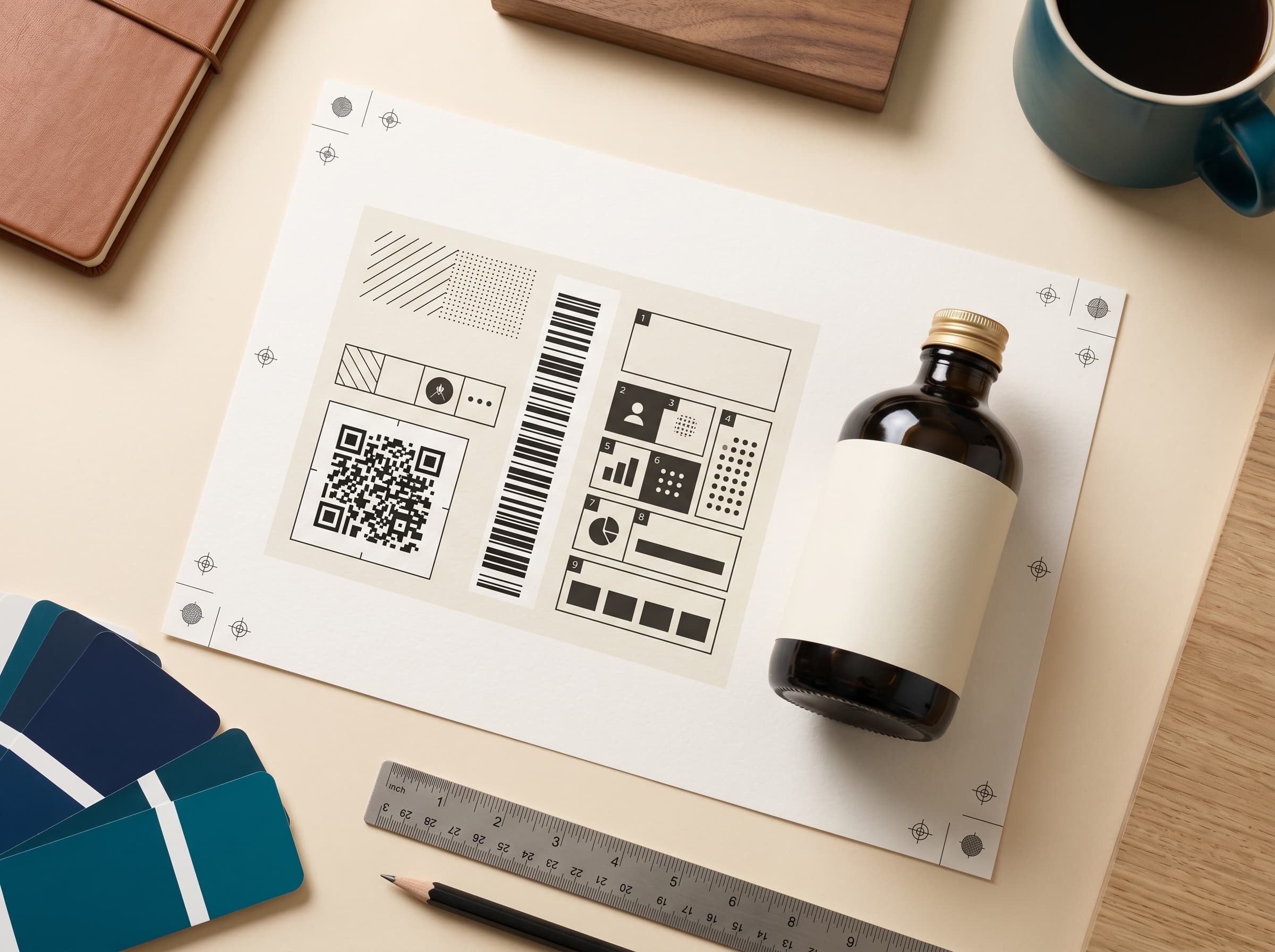
A brand can generate a normal QR code in seconds, but retail packaging needs a stronger starting point. The GTIN is the product identity retailers already use to distinguish one trade item from another. When the same identity is carried inside a GS1 Digital Link URL, the 2D barcode can do two jobs at once: identify the product for retail systems and open a useful web page for a shopper.
That is why the workflow should start with the product record, not with artwork. Create the SKU, confirm the product name and pack size, enter the GTIN, validate the check digit, then generate the Digital Link URL. Only after that should the QR export move into packaging review. If the GTIN is wrong, the printed QR code may still scan on a phone, but it will not be a trustworthy product identifier.
This page is intentionally different from a dictionary definition of GTIN. It is the operational checklist a brand team needs before it puts a 2D barcode on packaging. The goal is simple: make sure every printed QR code resolves to a valid, stable product page that can survive production, retailer review and future content updates.
Confirm the GTIN is allocated through GS1 or authorized by the brand owner. Do not print borrowed, copied or marketplace-only identifiers.
Run the mod-10 check so transposed digits and short product-code mistakes are caught before artwork review.
Use the right GTIN for the sellable unit, case or outer. A consumer bottle and a wholesale case should not share the same identity.
Place the GTIN inside the /01/ path so phones open a page and GS1-aware systems can still extract the product identifier.
Open the URL before exporting print files. The product page should show useful information, not a placeholder.
Once the QR reaches packaging, keep the GTIN and canonical URL stable. Update page content, not the product identity.
The URL pattern is the important bridge. A simplified product URL looks like https://brand.example/01/09312345678907. The 01 segment is the GS1 Application Identifier for GTIN. The number after it is the product identity. A phone treats the whole thing as a normal web address. A compatible business system can parse the path and understand which identifier is present.
The same pattern can carry more context when the product needs it. A lot or batch number can sit after /10/. A serial number can sit after /21/. That matters for categories where recall, provenance, expiry date or certificate lookup may vary by production run. The consumer still scans one code, but the resolver has enough structure to show the right page.
In the app, the GTIN is used as the product anchor. It is checked when the brand creates or edits a product. It is normalized into the Digital Link URL. It appears in the QR management panel. It can be shown or hidden around a QR frame depending on the brand's packaging preference. It also connects the product page, scan events, resolver links and readiness checks back to the same SKU.
The platform does not replace GS1 membership and it does not certify that a brand has rights to a number. That responsibility stays with the brand. What the software can do is remove avoidable production mistakes: invalid check digits, inconsistent URL structure, missing product pages, fake QR previews, unmanaged downloadable files and scan pages with no useful product data behind them.
A common migration mistake is treating the GTIN like a slug that can be edited whenever the page changes. It should not work that way. The product page can change, the hero image can change, recycling guidance can change, scan actions can start and end, and certifications can be added. The GTIN should change only when the product identity needs to change under GS1 allocation rules, such as a materially different trade item or packaging level.
This is one reason brands should separate "content updates" from "identity updates". Content updates are normal and expected. Identity updates affect the printed code, retailer systems and analytics history. A good connected-packaging platform makes that difference obvious before the brand sends artwork to print.
Start with five active product pages for free. Generate real GS1 Digital Link QR codes when your product record is ready.